
Swain County Civil Docket Searches
Civil case lookup for Swain public records happens on the free North Carolina eCourts Portal. There is no separate county vendor. Open Smart Search, type a case number or a party name in last-name, first-name order, and set the location filter to Swain. Advanced Filtering Options add case type, status, filing date, and party criteria. One catch: a filter never works by itself. It has to follow a basic search criterion first.
Before trusting a hit, check the party role, the case type, the filing date, and the Swain location together. The Portal caps results at 200. A maximum-results notice is your cue to narrow the search. Click the underlined case number to reach the Case Summary or the Register of Actions. That view is informational only. It is not the official court record. When you need a certified copy or a document that never went online, go through the local clerk.
- Open Smart Search and start with the case number when it is known.
- For a party search, use the official last-name, first-name format.
- After the basic search, narrow by Swain location and an appropriate civil case type or status.
- Open the case number and review Case Events, Hearings, Disposition, and Financial Information where present.
- Use the clerk for the filed document, certification, or a question about a public result.
Swain County Civil Portal Filters
The portal's civil search offers several type filters. Look for Civil Actions, nonconfidential Special Proceedings, Estates, and related subtypes. Labels like Civil General and Civil Magistrate narrow a Swain County docket search nicely. Yet neither label promises that every document behind the case will be viewable online. Start with a name or case-number query first, then refine by location and case type. Remember that a public display hides protected information. A missing document does not mean no court file exists.
The official Swain civil-calendar interface takes you to a separate schedule view. It shows published civil calendar results. Check it for what is set, then go back to the Case Summary for the case-event history. A calendar answers what hearings are coming. The register records what has already happened in the case.
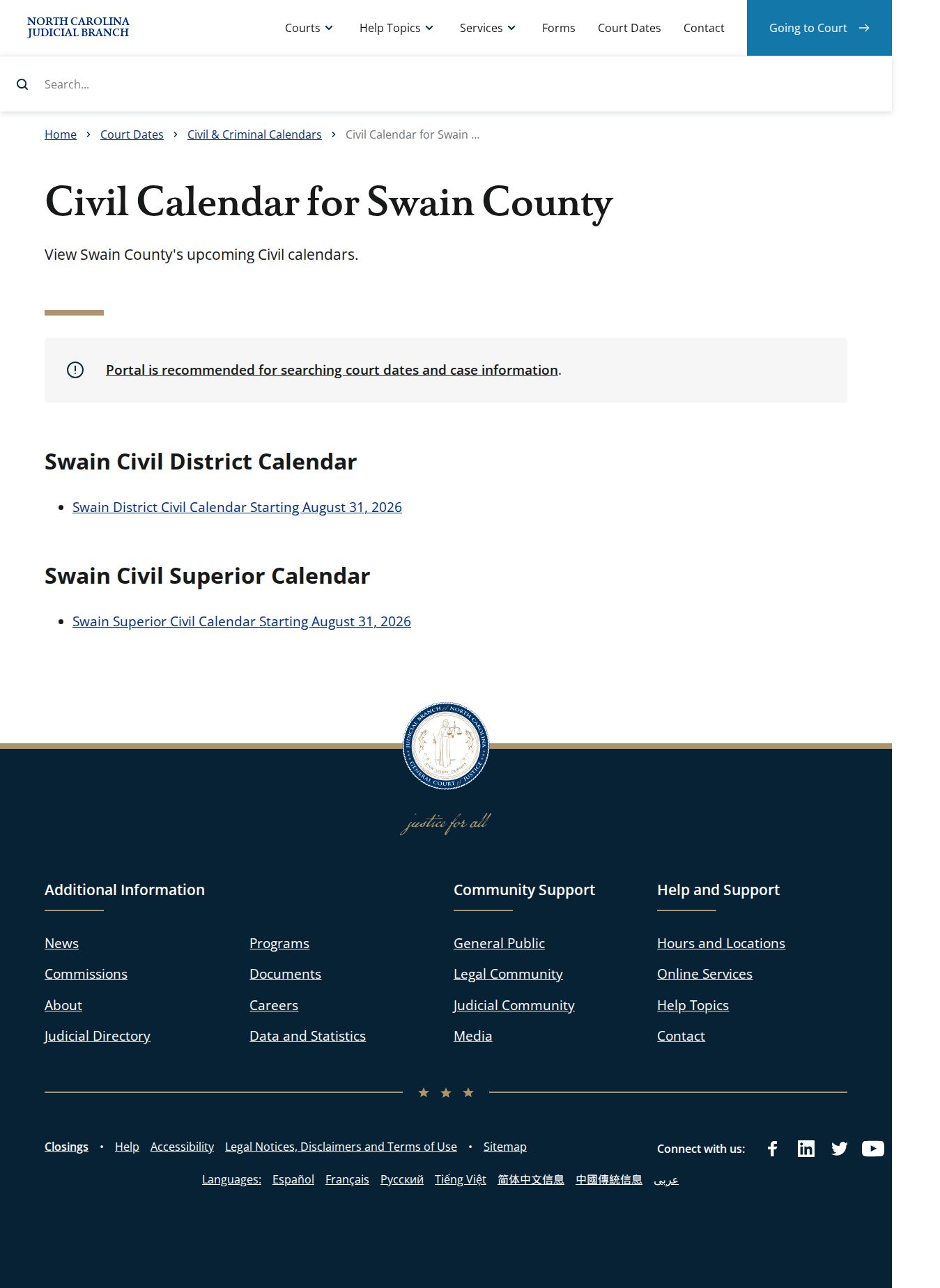
That split matters. A calendar entry may look current while the filed record or a later outcome still needs confirmation through the Case Summary or the clerk.
Civil Dockets: What They Show
A civil Case Summary can pull together several public panels. The portal guide lists Case Information, Assignment Information, and Party Information. It also lists Causes of Action for applicable civil, family, probate, and mental-health matters. Case Events, Disposition, Hearings, and Financial Information appear when applicable. Not every civil case shows every panel. Expect some to be blank. A cause of action is just a category or detail of the civil claim. A disposition, by contrast, records an outcome or resolution field for the case.
| Case information | High-level civil case facts and identifiers available under the applicable public-access rule. |
|---|---|
| Assignment information | Court or assignment information when the Case Summary supplies it. |
| Party information | Public party roles and identifying case information subject to masking and restrictions. |
| Causes of action | Civil, family, probate, or mental-health category information when that panel applies. |
| Case events | Chronological filings, orders, settings, and other recorded procedural activity. |
| Disposition and hearings | Recorded result information and current hearing fields when available. |
A financial section, if shown, is not a certified payoff. Treat it as a lead, not a substitute for a clerk confirmation. The public Case Summary helps you identify the file and its event history, and the clerk holds the official copy route for anything you need on paper.
Swain County Civil Status Differences
Each label on the Portal answers a different question. Pending only means no final disposition has been marked. It says nothing about whether a hearing will go forward. Stayed tells you activity is paused, though the case may not be over. Reopened signals fresh activity after an earlier closure or disposition state. Read the disposition in its own field. Never infer it from a calendar entry or a balance display.
- Unserved
- A civil status label that should be read with the event history and clerk record, not as a final result.
- Transfer to Another County
- A Portal event or status identifying a transfer that requires the surrounding record for context.
- Transferred to Superior Court
- A status or event that can appear in a civil record and should not be reduced to a general outcome label.
- Disposed
- A recorded resolution category; the detailed disposition is more informative than the word alone.
Note: The Portal displays public court information, but its labels and panels never replace the filed order or a clerk-certified record.
What Cases Fill the Civil Docket
The civil side of a Swain County docket search covers a wide mix. The docket covers small claims and other magistrate matters. General civil actions sit there as well. Estates and nonconfidential special proceedings round out the mix. Family and domestic cases may show Portal sections too. Privacy rules, however, can block remote access to specific entries or documents in those files. Use the case-type filter to narrow the docket search. For anything binding, the clerk remains the source. That covers service, signed orders, pleadings, and certified judgments.
| Case type | Typical Portal route | Records caution |
|---|---|---|
| Civil General | Case Summary, party and event fields, and civil calendar when scheduled. | Documents and panels vary by case and public-access rules. |
| Civil Magistrate | Public case and calendar search, with magistrate matters within the District Court system. | Seek pleadings, judgments, or certification through the clerk. |
| Estates and special proceedings | Available estate and nonconfidential-special-proceeding filters. | Individual file access still follows privacy and local court rules. |
| Family matters | Case information may appear in the Portal where public. | Protected-order and privacy limits can restrict remote access. |
North Carolina's small-claims information names magistrates as the hearing officers for qualifying claims. It also notes a local dollar maximum. That maximum can shift within a statewide range. The clerk of court can confirm the limit that applies in Swain County. Do not assume a number on your own.

The statewide explanation gives you the court-role context, and the Swain clerk can point you to the local file and how to access it.
Swain County Civil Court Allocation
Money sets the dividing line. Under North Carolina General Statute Chapter 7A, civil claims at or below $25,000 belong in District Court. Claims above $25,000 go to Superior Court unless a statute says otherwise. Swain County sits in District Court District 43 and Superior Court District 43A. That split affects where a case is heard. It does not change where you look. Both divisions keep their files with the same local Clerk of Superior Court. There is no separate county clerk site to chase for a Swain County civil docket.
| Swain court layer | General civil role | Public search and record channel |
|---|---|---|
| District Court District 43 | Civil matters allocated at $25,000 or less, plus family and magistrate-connected matters. | Portal, civil calendar, public terminal, and Swain clerk. |
| Superior Court District 43A | Civil actions above $25,000 and appeals from District Court. | Portal, civil calendar, public terminal, and the same Swain clerk. |
| Magistrates | Qualifying small claims and assigned lower-level matters as District Court officers. | Public record remains within the court and clerk system. |
Hearings on the Civil Docket
Think of a civil hearing listing as a schedule, not a verdict. It tells you what the Swain County civil docket holds on a given day. Nothing more. Portal's Search Hearings tool lets you look by case number, party, business, attorney, attorney bar number, judicial officer, or courtroom. You can search across a date range. To run it, you pick a location, a hearing type, a search type, and a matching criterion. Set Date From and Date To, then hit Submit. Choosing Swain keeps the calendar question close to home.
The county's local administrative schedules page adds civil calendars and related schedule material. It pairs well with a hearing search by case. Settings do shift, though. Portal won't say whether a hearing is virtual or in person. No listing guarantees a call order. When a date is close or unclear, confirm with the clerk.
Swain County Civil Calendar Checks
Need a date moved? Swain's local rules cover civil, domestic, and juvenile continuance materials. They also include Superior Court continuance resources. Asking for a change does not grant it. The Swain local rules and forms hub is the right place for the current procedure, since local documents get revised.
Portal labels can hint at history, too. Stayed, Reopened, Transfer to Another County, and Transferred to Superior Court may show up. They appear as statuses or events. None of them tells you whether a setting is still live. The current calendar entry plus a word with the clerk answers that. And an old calendar item is just that: history, not an active hearing date.
Who Can See Civil Dockets
Who gets to look? G.S. 7A-109 puts the docket, file, and index in the clerk's hands. It presumes records are open unless a law says otherwise. The state's public-records law backs that up for inspection and copies, but it yields to confidentiality rules. Anonymous Portal users never see confidential, sealed, or restricted material.
A blank search result proves little. It does not mean no file exists, nor that a restricted record is somehow open. Juvenile records stay confidential under G.S. 7B-3000, and sealed or protected material follows its own access rules. For a question about one public file, ask the Swain clerk directly. Don't trust an empty web display.
Public access has boundaries: Portal results are useful for locating public civil case information, but the Clerk of Superior Court is the official source for the county file, certified copies, and questions about a restricted document.
Swain County Civil Copy Requests
Ordering a filed civil document starts with three things. Have the case number ready. Add the document title or date if you know it, plus the copy type you need, whether ordinary, certified, or exemplified. The courthouse sits at 101 Mitchell Street, Bryson City, NC 28713. Mail goes to PO Box 1397, Bryson City, NC 28713. Call the main clerk line at (828) 488-7400 with questions.
Clerk offices also offer public self-service terminals for civil, special-proceeding, and estate case information. The physical file itself, though, is reviewed in the county where it sits.
What will it cost? The Judicial Branch keeps a current court-costs hub instead of one fixed total. Its January 2026 miscellaneous chart lists $2 for the first page of each document. It adds $0.25 for each additional page, a $3 certificate under seal, and a $10 exemplification. Those figures are statewide and published. They are not a promise that every item is public or that a multi-document request has a set price.
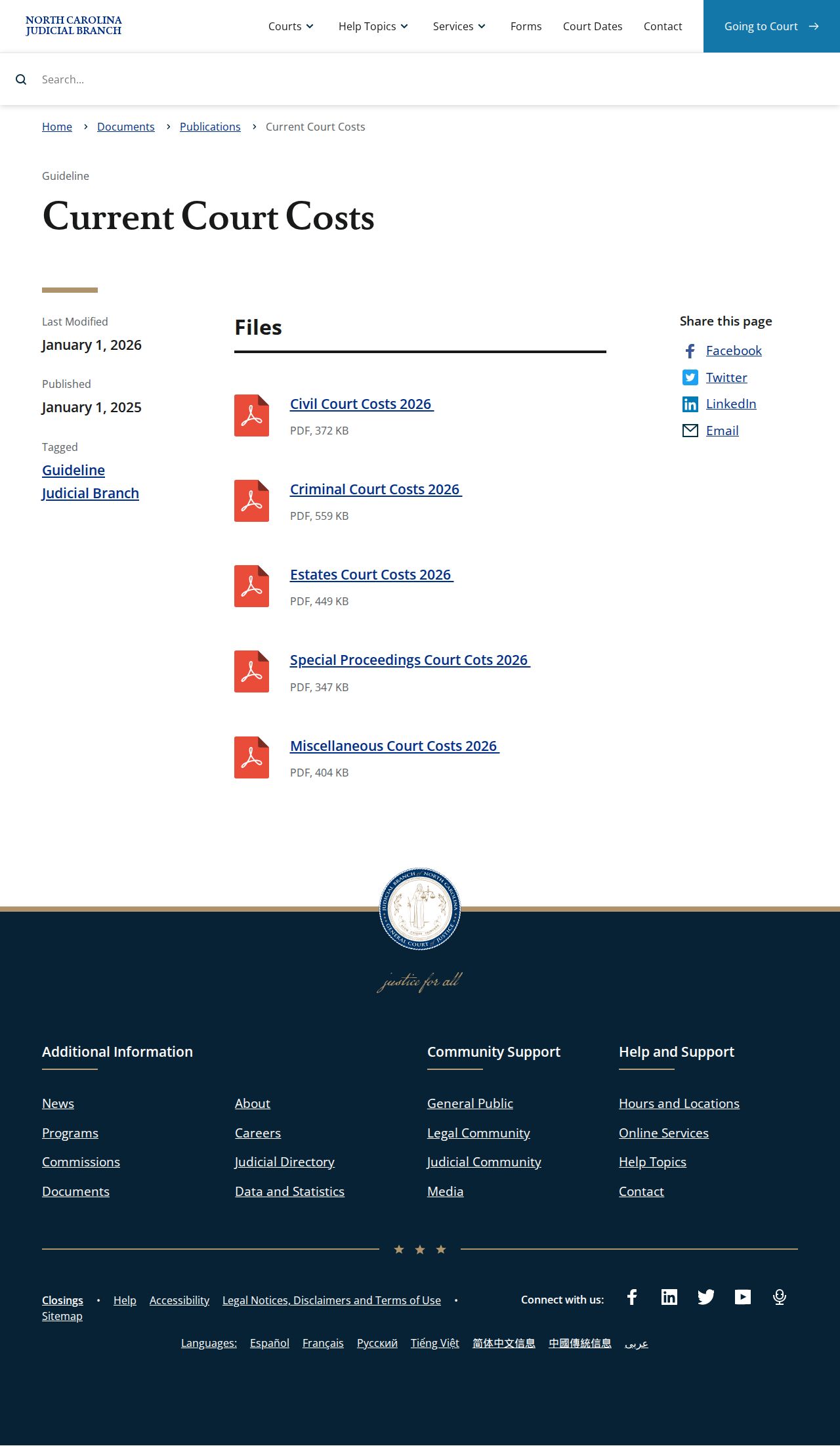
Start with the current fee publication, then let the clerk confirm the record and certification need. That order saves a second trip.